
ERP software that runs your whole business, from one duka to fifty branches.
SmartBiashara connects sales, stock, purchasing, accounting, customers and staff in one cloud system built for Tanzania, priced in shillings from TSh 15,000 a month.
Used by 20,000+ businesses since 2018 · 14-day free trial, no credit card required
Group overview
Branches
Sales today, all branches
TSh 3.4M
+11%Open transfers
4
Branches online
5 of 5
What is SmartBiashara ERP?
SmartBiashara ERP is cloud business management software for African businesses. It keeps your point of sale, stock, purchases, accounts, customers, staff and branches in one shared record, so a single sale updates stock, money and reports at once. It runs in any browser and costs from TSh 15,000 a month.
ERP stands for enterprise resource planning. The name sounds like something for a bank or a brewery. In practice it means one system where every part of the business writes to the same book. The cashier, the store keeper, the person who orders from suppliers and your accountant all work from the same numbers.
For most owners we speak to, the problem is rarely a lack of records. It is too many of them: a till roll, a stock book, a madeni notebook for credit customers, an Excel file the accountant rebuilds every month and a WhatsApp group full of photos of receipts. SmartBiashara replaces that pile with one place you can open on your phone at any hour.
If you want the longer explanation first, read our plain-English guide to ERP.
What one system takes over
- The till roll and cash book
- Point of sale with receipts and payment methods
- The stock book
- Live stock per branch, batches, expiry and transfers
- The madeni notebook
- Customer balances, credit limits and reminders
- Supplier phone calls
- Purchase orders, goods received and supplier ledgers
- The month-end spreadsheet
- Accounts, expenses and profit and loss
- The staff register
- HR, roles and payroll
One connected platform. Every department sees the same numbers.
Most businesses run on a till, a notebook, a spreadsheet and WhatsApp. SmartBiashara replaces them with modules that share one database, so an action in one place updates everything it touches. Pick a module to see what it feeds.
Point of Sale
Every till sale is recorded once and shared with the whole business.
What happens next
- Inventory: Stock drops at the branch that sold it
- Mobile money: The payment is matched to M-Pesa, Tigo Pesa, Airtel Money or cash
- Accounting: Revenue posts to your books automatically
- CRM: The customer’s purchase history updates
- Reports: Today’s sales and margins refresh
Inventory
One live stock count across shops and stores.
What happens next
- Purchasing: Low stock becomes a purchase order
- Multi-branch: Surplus at one branch can be transferred to another
- Accounting: Stock value stays current in your accounts
- Reports: Slow movers and expiring batches are flagged
Purchasing
From purchase order to goods received to supplier payment.
What happens next
- Inventory: Goods received add stock at the right location
- Accounting: Supplier balances and payables update
- Reports: Purchase costs flow into profit reports
Mobile money
M-Pesa, Tigo Pesa and Airtel Money handled at checkout.
What happens next
- Point of Sale: Sales close as soon as the payment is confirmed
- Accounting: Each wallet reconciles like a bank account
- Reports: See cash versus mobile money by branch
Accounting
Books that write themselves from daily operations.
What happens next
- Reports: Profit and loss, balance sheet and cash flow
- HR & Payroll: Payroll costs post to the right accounts
- Multi-branch: Each branch has its own figures and a group total
CRM
Customers, credit limits and follow-ups in one place.
What happens next
- Point of Sale: Cashiers see who is buying and what they owe
- Invoicing: Credit customers get invoices and reminders
- Reports: Top customers and overdue balances
Invoicing
Quotations become invoices without retyping.
What happens next
- Accounting: Invoices create receivables
- CRM: Balances update on the customer record
- Inventory: Delivered items leave stock
HR & Payroll
Staff, roles, attendance and payroll-ready HR.
What happens next
- Point of Sale: Roles decide what each cashier can do
- Accounting: Salaries post as expenses
- Multi-branch: Staff belong to the right branch
Multi-branch
Every shop and warehouse under one login.
What happens next
- Inventory: Stock per location, transfers between them
- Reports: Compare branches side by side
- Point of Sale: Each till belongs to a branch
Reports
Answers to “how is the business doing?” at any hour.
What happens next
- Accounting: Drill from a total to the transactions behind it
- Inventory: Reorder and dead-stock lists
- CRM: Who to call this week
ERP, POS-only or spreadsheets: what each one covers.
A POS system answers “what did we sell today?”. An ERP also answers “what do we have, what do we owe, who owes us and did we make money?”. Here is how the three usual set-ups compare on the jobs that matter.
| The job | Spreadsheets and notebooks | POS-only system | SmartBiashara ERP |
|---|---|---|---|
| Recording a sale | Partly covered: Written later, often from memory | Covered: Rung up at the till | Covered: Rung up at the till, then shared with stock, accounts and reports |
| Stock at more than one branch | Not covered: One file per shop, rarely up to date | Partly covered: Usually one shop at a time | Covered: Live count per branch and store, with transfers between them |
| M-Pesa, Tigo Pesa and Airtel Money | Not covered: Checked against SMS messages by hand | Partly covered: Payment noted, books kept elsewhere | Covered: Accepted at the till and reconciled in the same books as cash |
| Supplier orders and goods received | Not covered: Phone calls and paper delivery notes | Not covered: Rarely included | Covered: Purchase orders, GRNs and supplier ledgers |
| Madeni (credit customers) | Partly covered: A notebook, easy to dispute | Partly covered: Sometimes a balance, no limits | Covered: Customer balances, credit limits and instalments |
| Profit and loss | Partly covered: Rebuilt by the accountant each month | Not covered: Sales totals only | Covered: Accounting that fills itself from daily operations |
| Staff, roles and payroll | Not covered: Separate files, shared passwords | Partly covered: Cashier logins | Covered: Admin, Manager and Cashier roles, HR and payroll |
| Closing the day | Not covered: Counting, adding, arguing | Partly covered: A till report per shop | Covered: Every till and wallet, every branch, in one report |
A POS-only system can be the right start for a single kiosk that sells for cash and restocks from one supplier. Once you hold credit customers, buy on credit yourself or open a second branch, the gaps in the middle column start costing money. Read the full breakdown in ERP vs POS: what is the difference?
With SmartBiashara you do not have to choose up front. The point of sale is part of the ERP, so you can start at the till and switch on purchasing, accounting or HR when you are ready. See how the till itself works on our POS software page.
Seventeen modules, grouped by the job they do.
Selling, stock, money, people and the specialised work some businesses need, such as production runs, repair job sheets and hotel rooms. Modules marked with a plan name are available from that plan upwards.
SellSelling and getting paid
- Point of SaleFast checkout with mobile money, barcodes and receipts
- Sales ManagementQuotations, sales orders, online orders and credit sales
- InvoicingProfessional invoices sent by WhatsApp or email
- CRMBasic+Customers, follow-ups, credit limits and history
- Mobile Money PaymentsM-Pesa, Tigo Pesa and Airtel Money at checkout, reconciled
OperateStock, branches and suppliers
FinanceMoney and reporting
SpecialisedFor specific operations
- ManufacturingEnterprise+Recipes, production runs and raw-material costing
- Repair ManagementEnterprise+Job sheets, technicians and online repair status
- Hotel ManagementStandard+Rooms, bookings, guest folios and restaurant billing
- Asset ManagementStandard+Track equipment, allocation, warranties and depreciation
- Project ManagementEnterprise+Projects, tasks, time and project invoicing
Not sure which modules you need?
Tell us how your business runs. We will recommend a plan and set it up with you.
ERP set up for the trade you are in.
The same system behaves differently in a pharmacy, a hardware store and a supermarket. Pick your industry to see the workflows we configure for it.
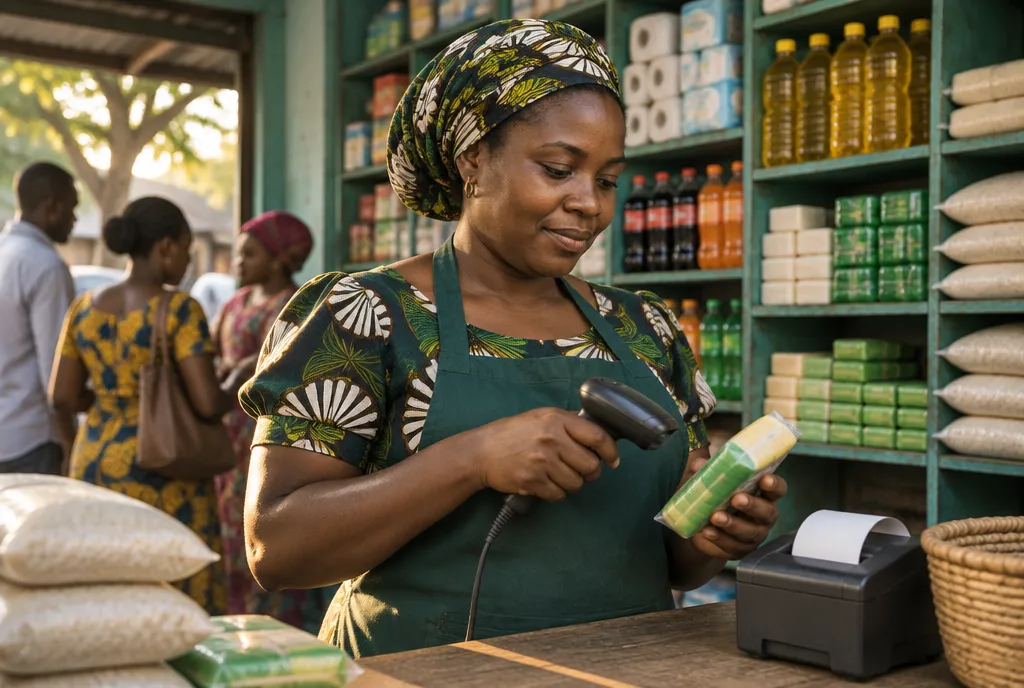 Retail ShopsDuka, mini-marts and general retail
 SupermarketsMulti-till checkout and fast-moving stock
 PharmaciesBatch and expiry control for medicines
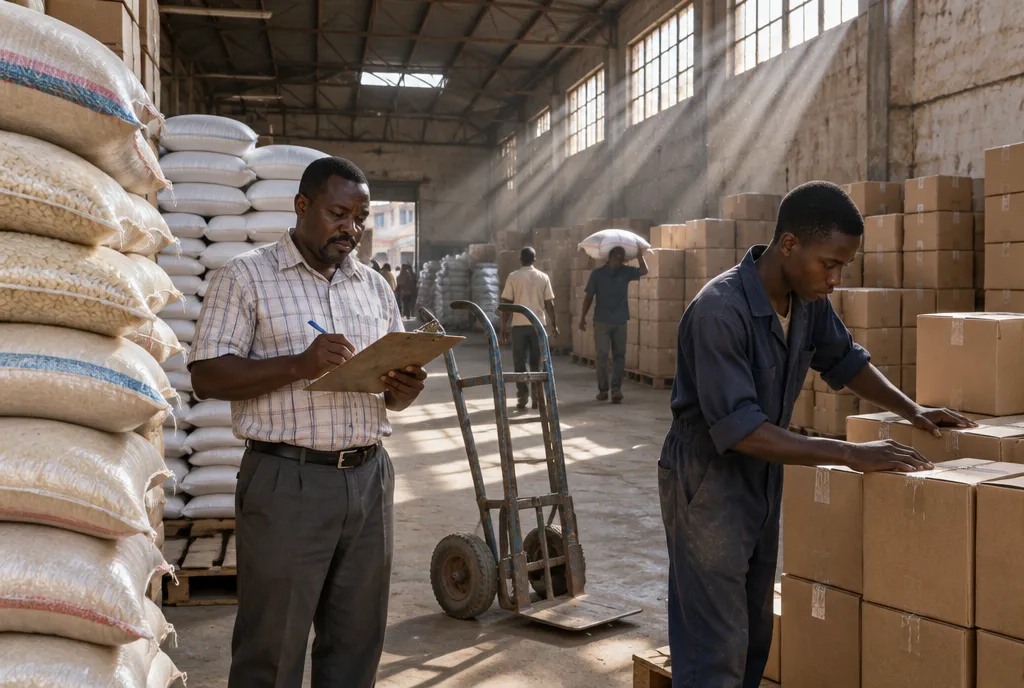 Wholesale & DistributionBulk pricing, credit customers and depots
 Hardware StoresThousands of SKUs, units and contractor credit
 Electronics & PhonesIMEI, serial numbers and warranties
 Fashion & BoutiquesSizes, colours and variants
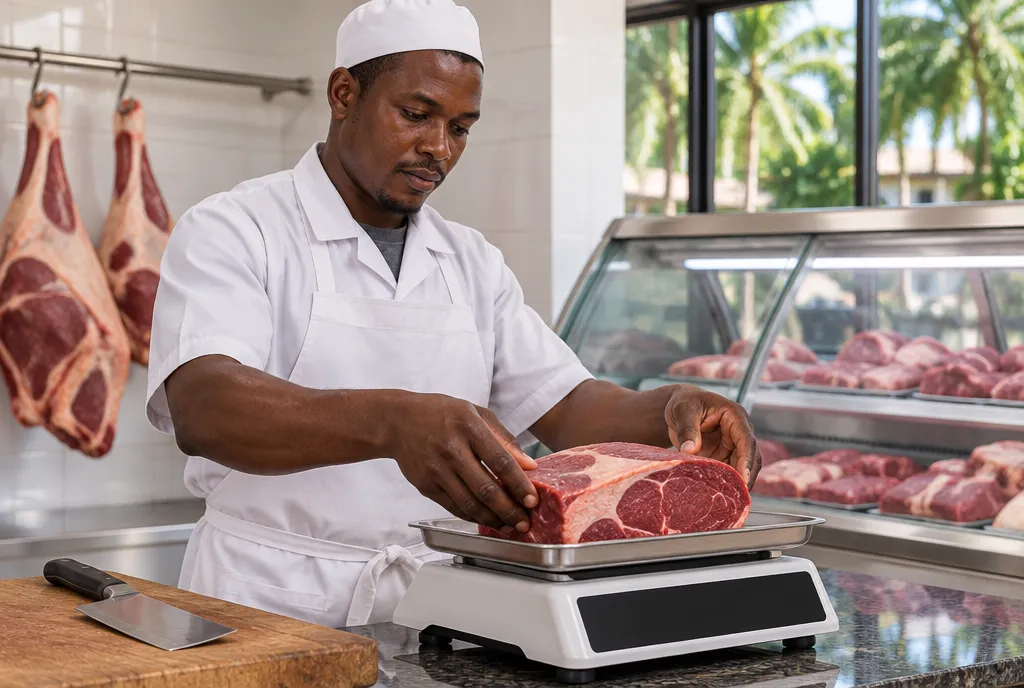 ButcheriesSell by weight, track yield and waste
One sale in Mwanza, seen in Dar es Salaam the same minute.
Running several branches is mostly a problem of distance. Stock goes missing between the warehouse and the shop, and mobile money arrives in three different wallets. Here is one ordinary day with SmartBiashara.

Figures in this example are illustrative.
- 10:14
Mwanza branch
A customer buys two cartons of cooking oil for TSh 43,000 and pays with M-Pesa. The cashier records the sale and the payment method on the till.
- 10:14
Mwanza stock
Stock at Mwanza drops by two cartons. The count is now under the reorder level you set, so the item is flagged for restocking.
- 10:15
Head office, Dar es Salaam
The sale shows in the branch report and the M-Pesa account in your books. Nobody phoned anyone or sent a photo of a receipt book.
- 14:30
Warehouse to branch
The manager creates a transfer of 20 cartons from the Dar es Salaam store to Mwanza. Stock leaves one location and arrives at the other when the branch receives it.
- 20:00
Closing the day
Each till shows its cash, M-Pesa, Tigo Pesa and Airtel Money totals side by side, branch by branch, ready to check before you lock up.
How many branches each plan covers
- Starter1 location
- Basic3 locations
- Standard5 locations
- Enterprise50 locations
- Enterprise ProUnlimited
Locations include shops, branches, stores and warehouses. Read more on multi-store management and mobile money payments.
Two ways to run it: subscribe in the cloud, or own your copy.
Most businesses subscribe and let us run the servers. Some groups want the system on their own domain with no monthly fee. Both run the same SmartBiashara software.
| Question | Cloud subscription | Own Your ERP |
|---|---|---|
| What you pay | TSh 15,000 to TSh 55,000 a month, or TSh 850,000 a year for Enterprise Pro | One-time TSh 1,500,000, TSh 1,700,000 or TSh 1,925,000 depending on launch slot, then TSh 425,000 a year from year 2 for server and domain |
| Where it runs | On SmartBiashara servers at erp.smartbiashara.com | On a private server, under your own domain such as erp.yourbusiness.co.tz, with your logo and colours |
| Branches and users | Set by your plan, from 1 location to unlimited on Enterprise Pro | Every module and limit included, at Enterprise Pro level |
| Getting started | Register in minutes with a 14-day free trial, no card | Set up, branded and trained in 4–7 working days, paid 60% upfront and 40% at handover |
| Best for | Shops and chains that want low monthly costs and no IT work | Groups and resellers that want ownership of the system and their branding |
Clear prices in shillings. No per-user fees.
Every plan starts with a 14-day free trial, no card required. Prices exclude VAT and service levy.
Starter
Single-location shops, kiosks and new businesses
TSh 15,000/monthTSh 150,000/year
or TSh 150,000 billed yearlyWorks out at TSh 12,500 a month
Start 14-day free trial on the Starter plan (opens in a new tab)- Locations
- 1
- Users
- 5
- Products
- 1,000
Basic
Growing retailers adding a second or third branch
TSh 35,000/monthTSh 350,000/year
or TSh 350,000 billed yearlyWorks out at TSh 29,167 a month
Start 14-day free trial on the Basic plan (opens in a new tab)- Locations
- 3
- Users
- 10
- Products
- 5,000
- Best for multi-branch
Standard
Multi-branch businesses, lodges and credit sellers
TSh 45,000/monthTSh 450,000/year
or TSh 450,000 billed yearlyWorks out at TSh 37,500 a month
Start 14-day free trial on the Standard plan (opens in a new tab)- Locations
- 5
- Users
- 20
- Products
- 25,000
Enterprise
Chains, distributors, manufacturers and service companies
TSh 55,000/monthTSh 550,000/year
or TSh 550,000 billed yearlyWorks out at TSh 45,833 a month
Start 14-day free trial on the Enterprise plan (opens in a new tab)- Locations
- 50
- Users
- 100
- Products
- Unlimited
Enterprise Pro
Large groups that want everything without limits
TSh 850,000/yearTSh 850,000/year
Yearly billing onlyUnlimited everything
Start 14-day free trial on the Enterprise Pro plan (opens in a new tab)- Locations
- Unlimited
- Users
- Unlimited
- Products
- Unlimited
Want the system on your own domain, with no monthly fees? Own Your ERP is a one-time white-label licence from TSh 1,500,000.
ERP software questions, answered
Still have a question? Ask our team on WhatsApp, phone or email.
How much does ERP software cost in Tanzania?
SmartBiashara ERP costs TSh 15,000 a month on Starter (1 location), TSh 35,000 on Basic (3 locations), TSh 45,000 on Standard (5 locations) and TSh 55,000 on Enterprise (50 locations). Enterprise Pro, with no limits on branches or users, is TSh 850,000 a year. Paying yearly costs ten months' price for twelve months. Prices exclude VAT and service levy. If you prefer a one-time licence on your own server, Own Your ERP starts at TSh 1,500,000.
Is SmartBiashara a cloud ERP?
Yes. SmartBiashara runs in a web browser on a phone, tablet, laptop or desktop, so there is nothing to install and no server to keep in the back office. We host and update it for you. Businesses that want their own private server can choose Own Your ERP instead.
Is ERP only for big companies?
No. The Starter plan is built for a single duka with up to 5 users and costs TSh 15,000 a month. You get point of sale, stock, purchases and accounting from day one, and you can move to a bigger plan when you open a second branch.
Does SmartBiashara ERP work with M-Pesa, Tigo Pesa and Airtel Money?
Yes. M-Pesa, Tigo Pesa and Airtel Money payments are accepted at the point of sale and reconciled in your accounts alongside cash. Card payments and bank transfers can be recorded against sales and invoices too.
Does it connect to TRA EFD or VFD fiscal devices?
SmartBiashara records your sales and produces sales reports. We do not claim a connection to TRA EFD or VFD fiscal devices. Ask our team about your fiscal-device setup before you switch.
Can I bring my products and customers over from Excel?
Yes. You can import your product list from Excel in bulk, set opening stock per location and start selling. Reports and lists export to Excel, PDF or CSV, and many can be shared straight to WhatsApp.
How long does it take to start using it?
Registering takes a few minutes and the 14-day trial needs no credit card. Most of the work is loading products and inviting staff, which you can do with our team on WhatsApp. An Own Your ERP system on your own domain is set up in 4–7 working days.
How do I get help if I am stuck?
Our team in Dar es Salaam answers on WhatsApp and phone (+255 749 900 050), Mon–Sat, 8am–8pm EAT. You can also email info@smartbiashara.com.
Read before you choose an ERP.
All articles and guides- What Is an ERP System? A Plain-English Guide for Tanzanian SMEsERP explained simply for Tanzanian business owners: what it does, the main modules, whether Excel counts, how ERP differs from CRM, and when to switch.ERP· 8 min read
- ERP Software in Tanzania: Buyer's Guide, Costs and Rent-vs-OwnHow to choose ERP software in Tanzania: what to check, what it costs in TSh, and when renting monthly or owning a one-time licence makes more financial sense.ERP· 9 min read
- Cloud ERP vs On-Premise vs Own-Your-ERP: What Works with Tanzanian Internet and BudgetsCompare cloud ERP, an office server and a privately hosted ERP you own, judged on Tanzanian power cuts, mobile data, IT skills and five-year costs in TSh.ERP· 8 min read
Put the whole business in one place.
Try SmartBiashara ERP free for 14 days with your own products, or ask us to walk you through it on WhatsApp.